One of my recent projects, "Learn UX", began as a deep dive into how people approach the fundamentals of user experience design. Through research and prototyping, I created a beginner-friendly learning toolkit that simplifies UX principles for those just starting out. But this project didn’t stop at screens — it evolved into a publication book.Inspired by analog techniques and a desire to make learning feel hands-on and approachable, I designed a print publication that acts as a tactile extension of the UX toolkit. It uses layered textures, galley print methods, and a playful belly band cover to offer a unique reading experience that reflects the agile nature of UX itself. The book also includes a QR code linking to a website I built, giving readers an interactive space to explore and apply what they’ve learned.
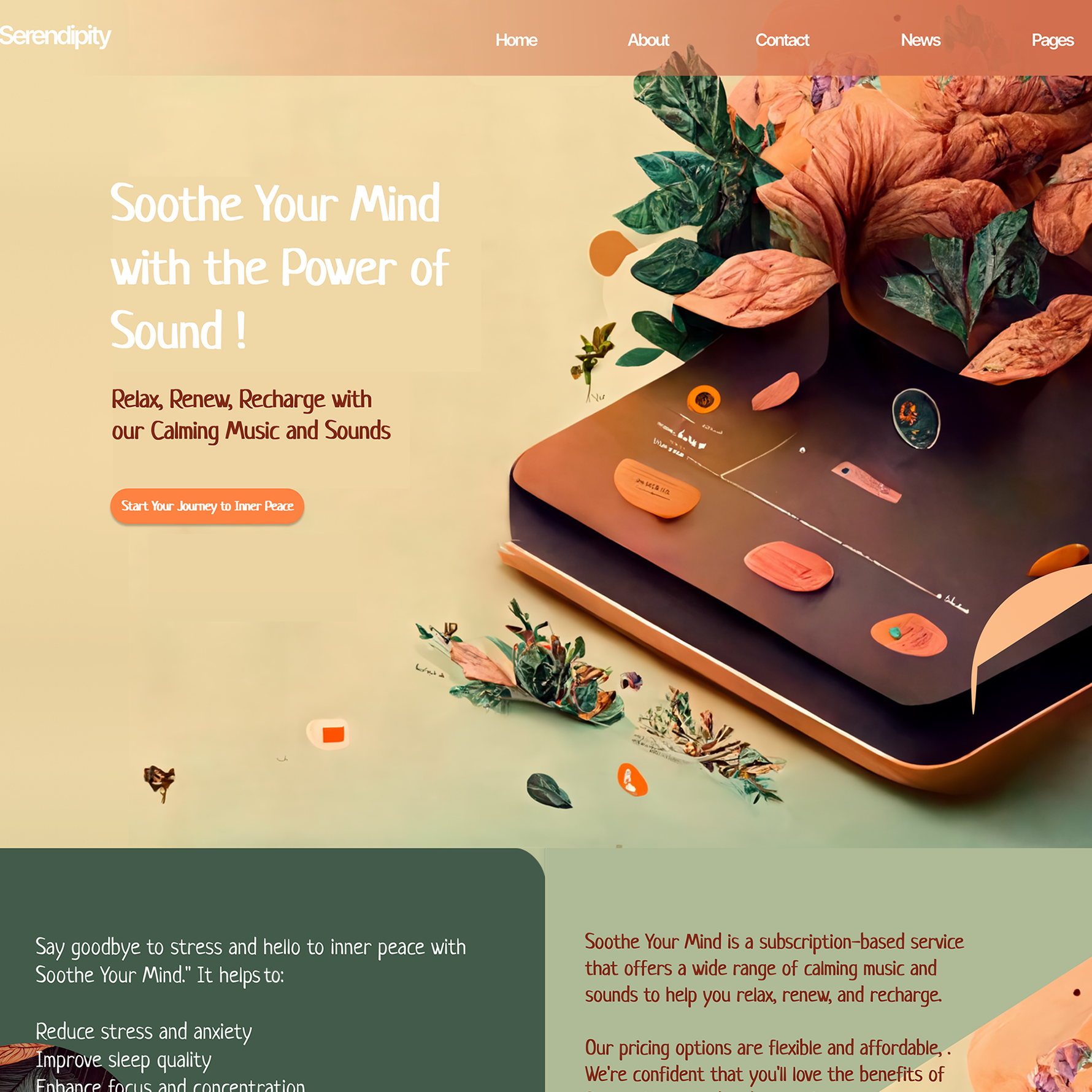
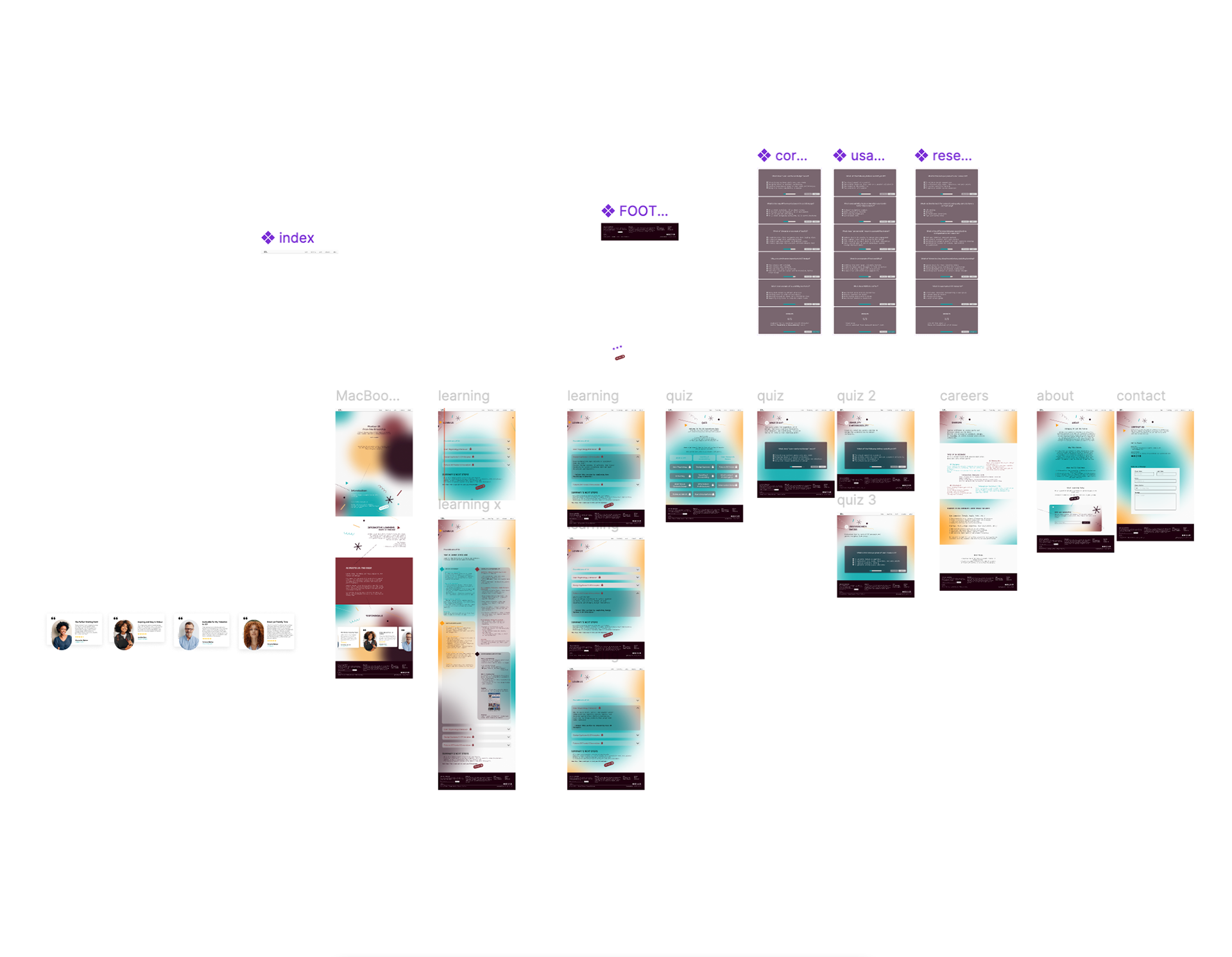
A selection of key visuals from the project — from early interface explorations to refined layouts that capture the tone of approachable UX learning. These screens highlight typographic choices, playful iconography, and clear visual hierarchy tailored for beginner understanding.
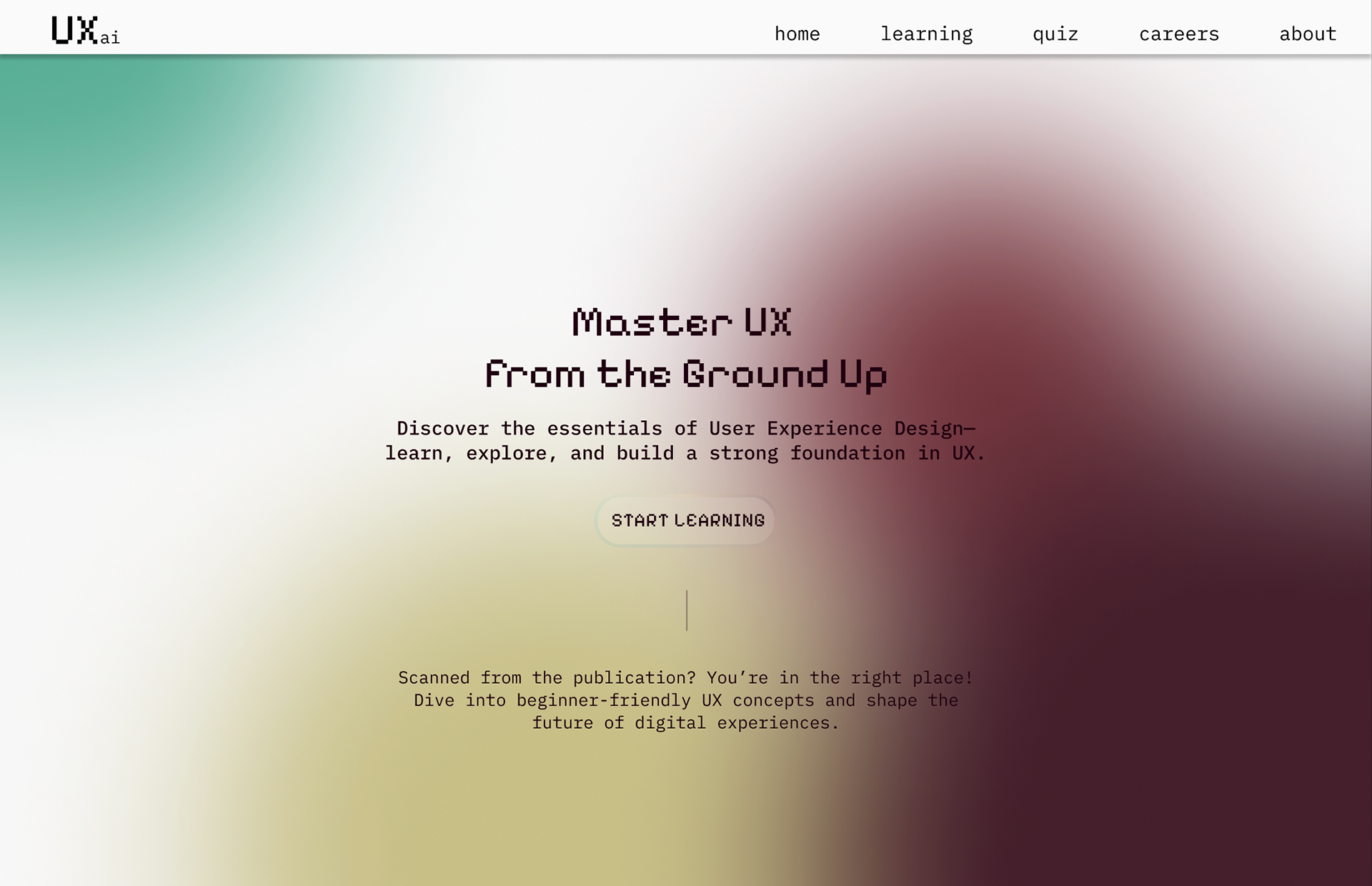
Introduction
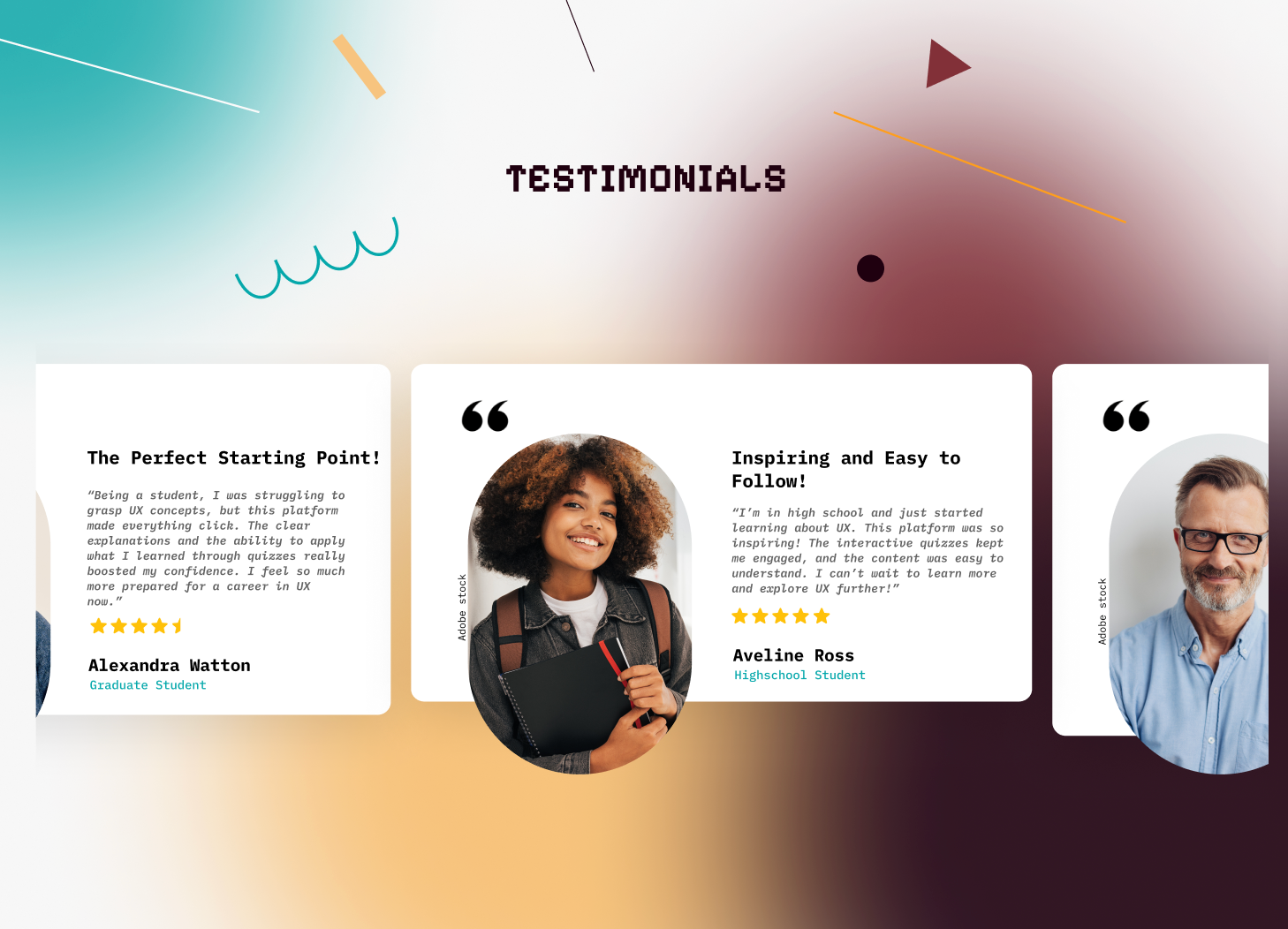
testimonials
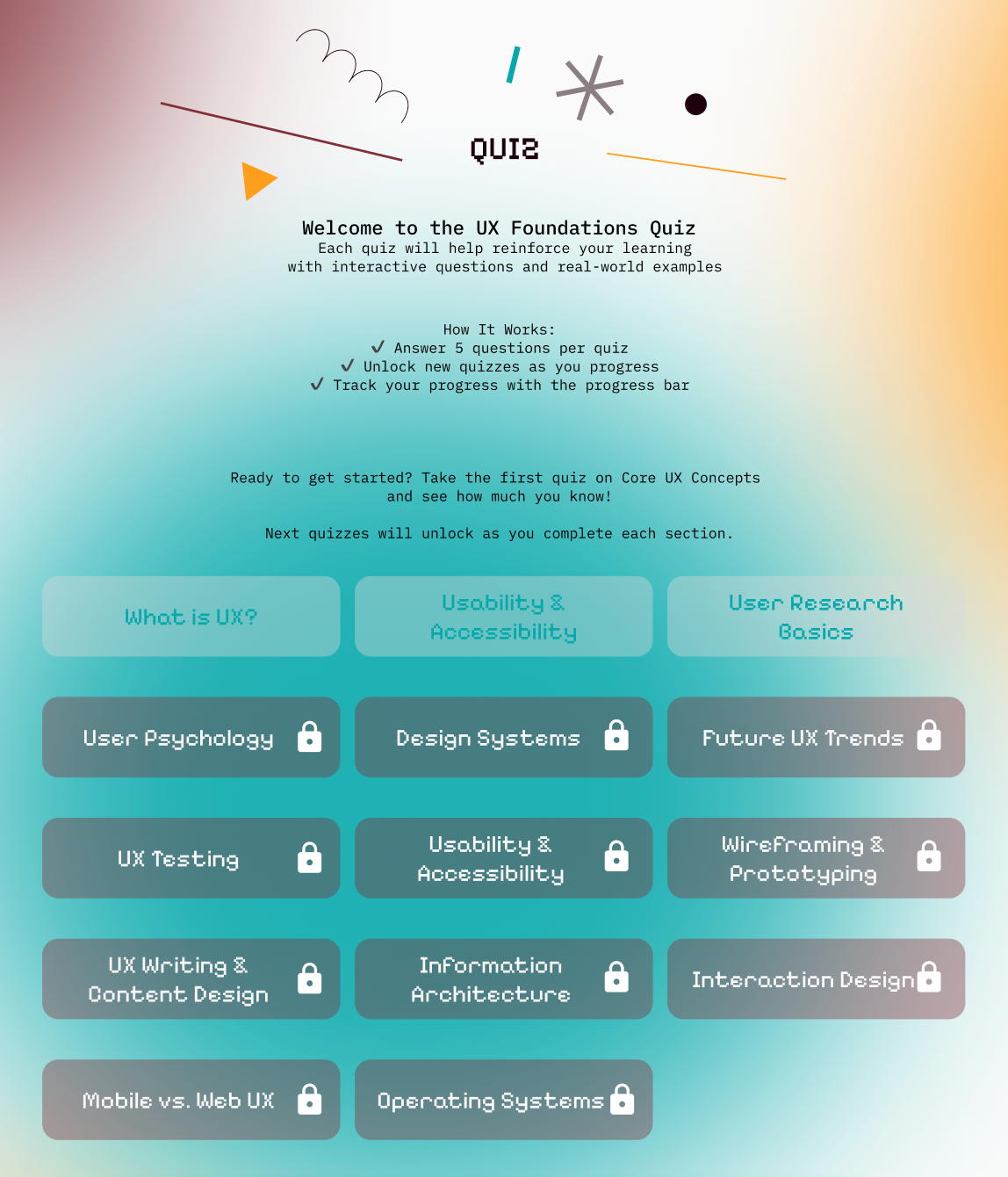
quiz
newsletter
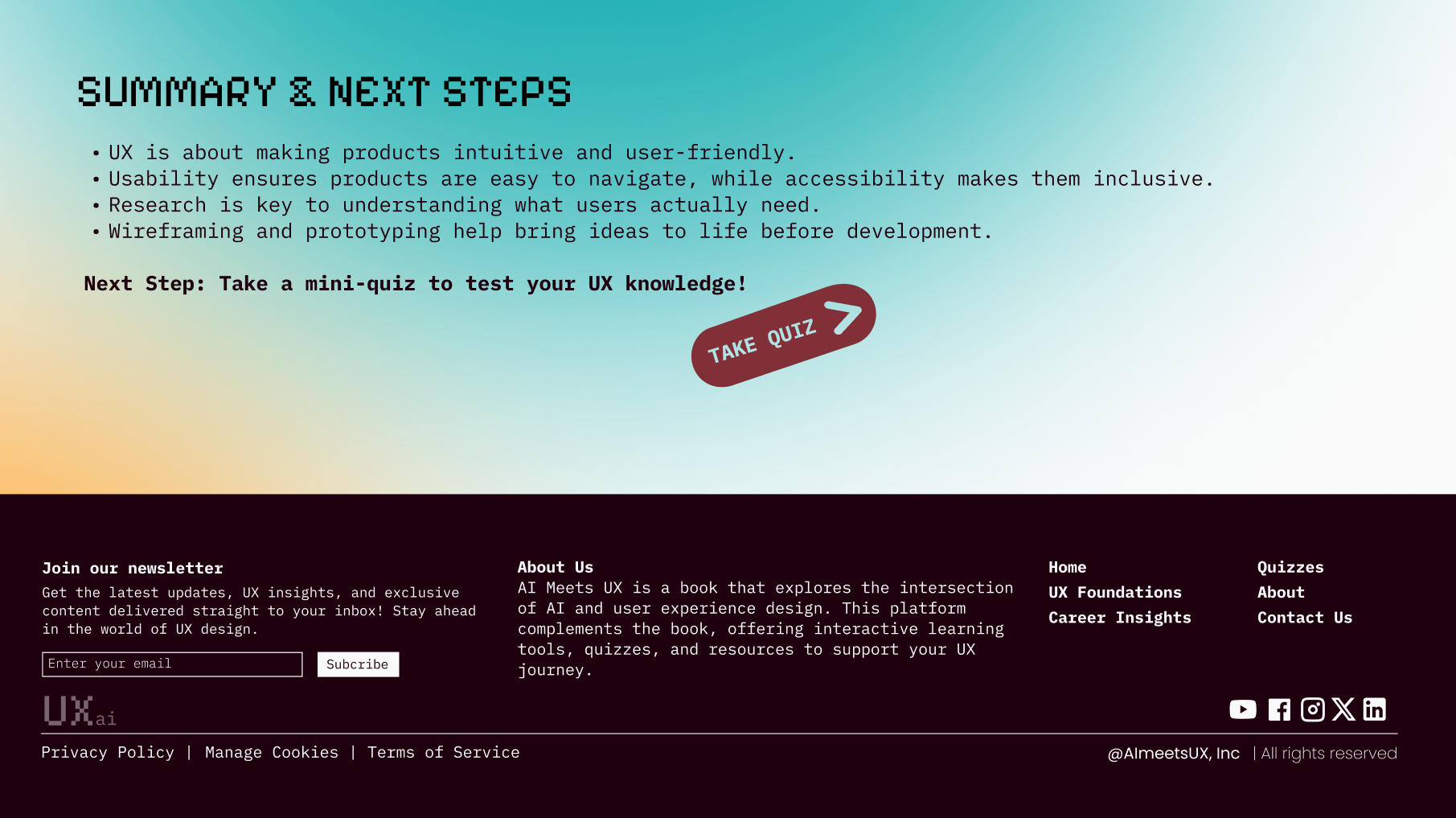
summary and footer
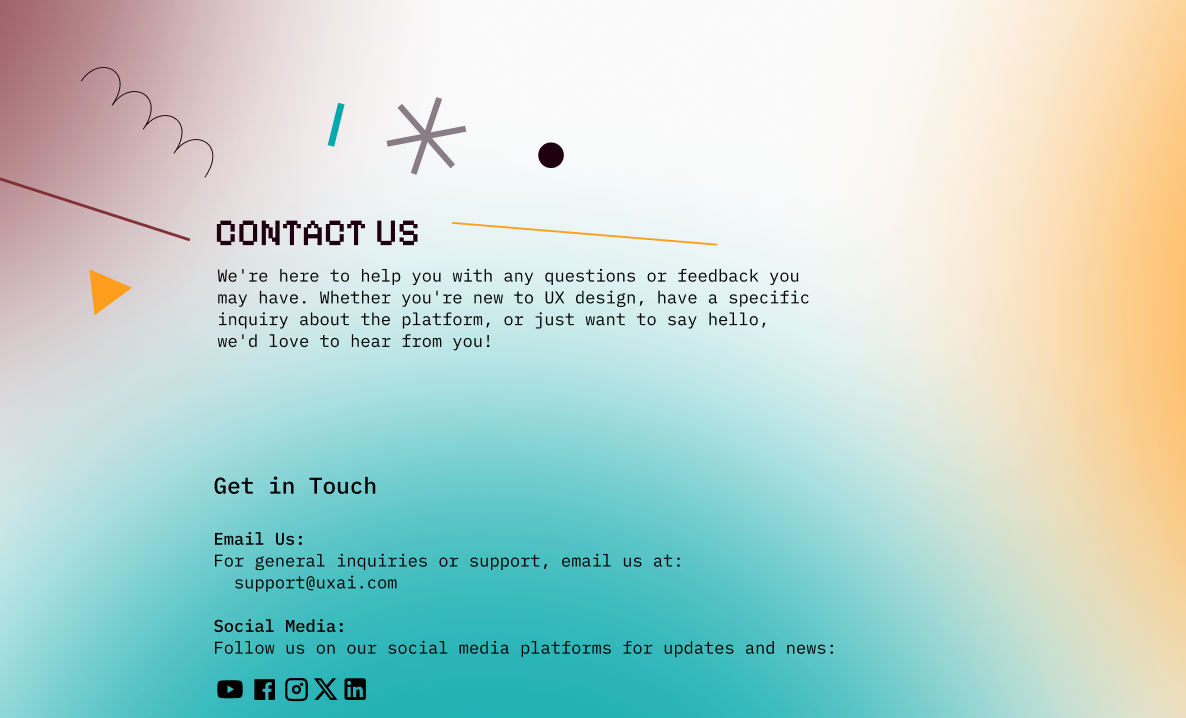
contact
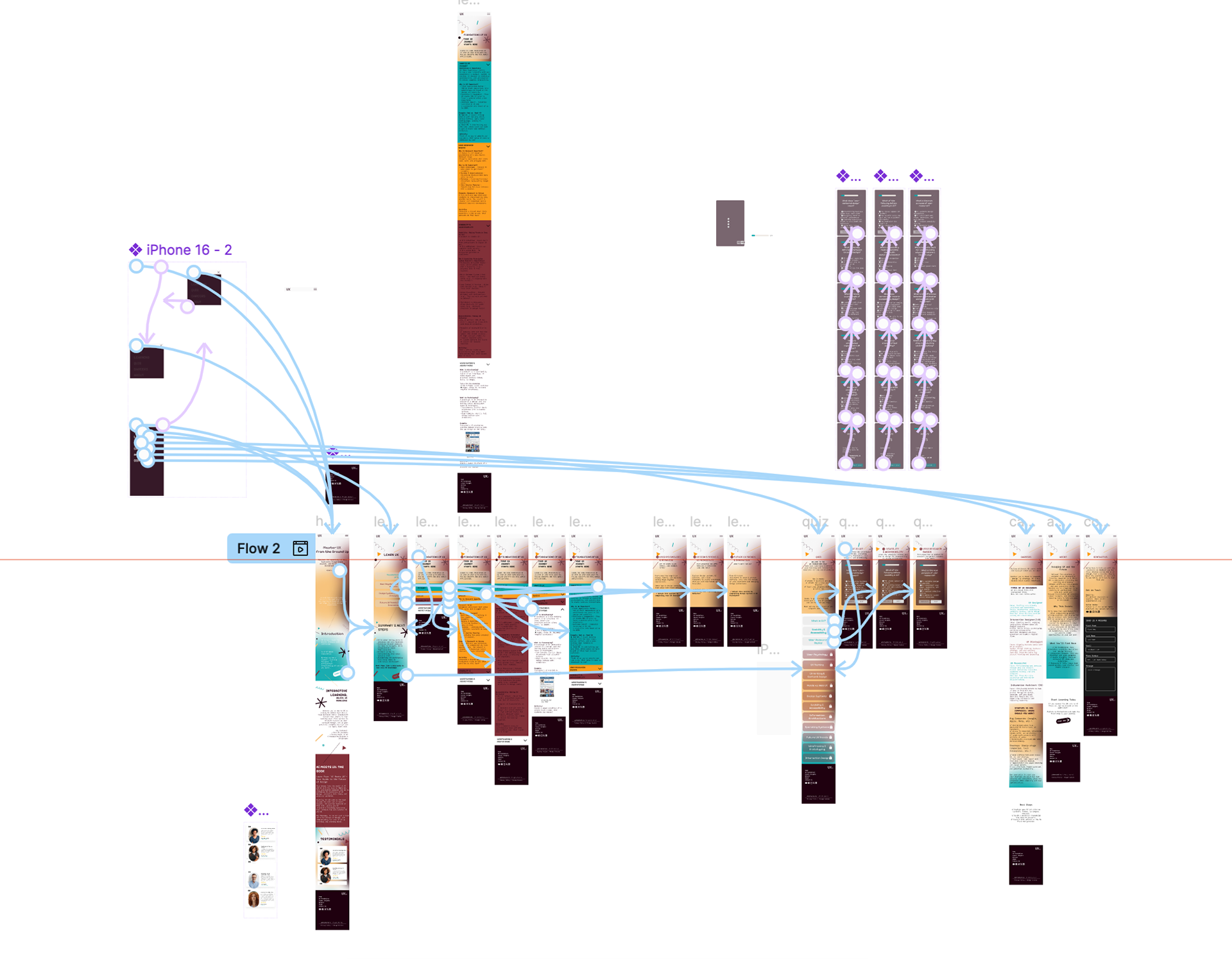
Here you’ll see the Figma prototyping networks for both mobile and desktop versions. The system was designed responsively, allowing learners to access the content comfortably on any device. The flow emphasizes guided discovery, modular learning blocks, and light gamification.
This video demonstrates the scroll-based animation in action
— showcasing how interactions unfold across devices.
Want to try it yourself? (no scams, promise!)
https://bit.ly/UxMobile (Mobile)
https://bit.ly/UxDesktop (Desktop)
The final deliverable: a hand-bound, textural publication that translates digital UX thinking into physical form.
From galley print methods and layered textures to a belly band cover that mimics interface reveals, this book was designed to be flipped, felt, and explored — much like a real interface.
From galley print methods and layered textures to a belly band cover that mimics interface reveals, this book was designed to be flipped, felt, and explored — much like a real interface.
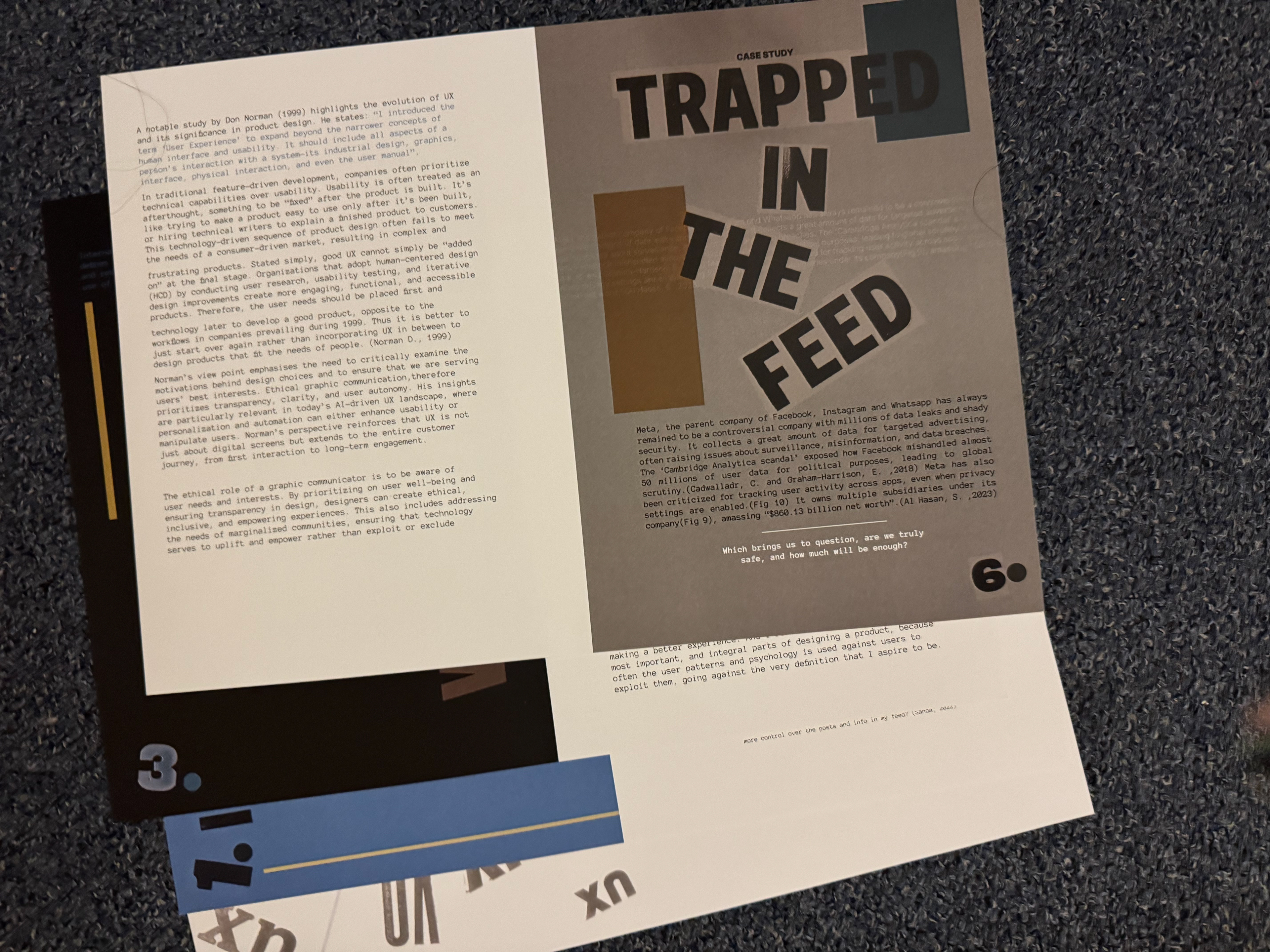
Pages before binding
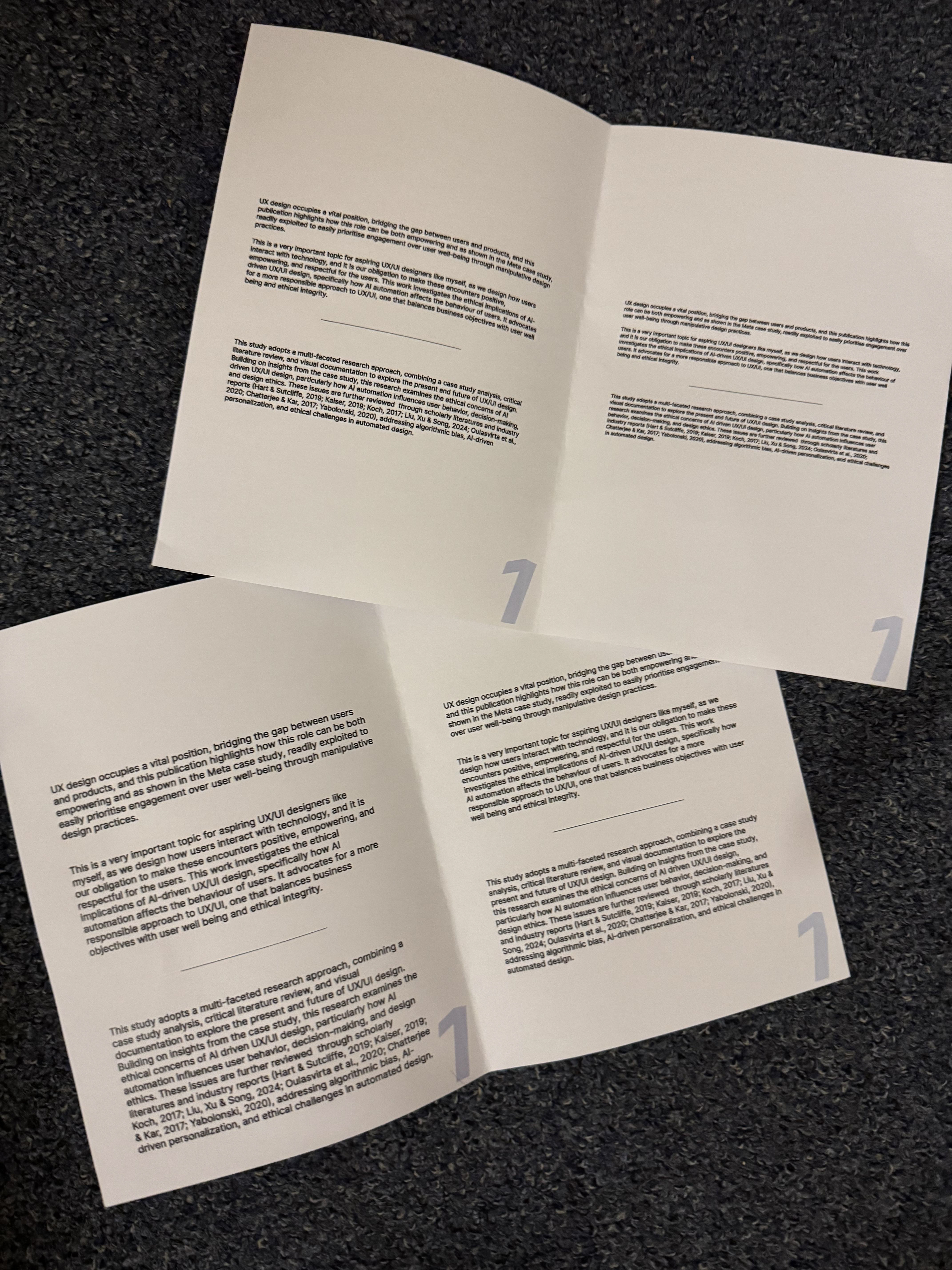
Binded books
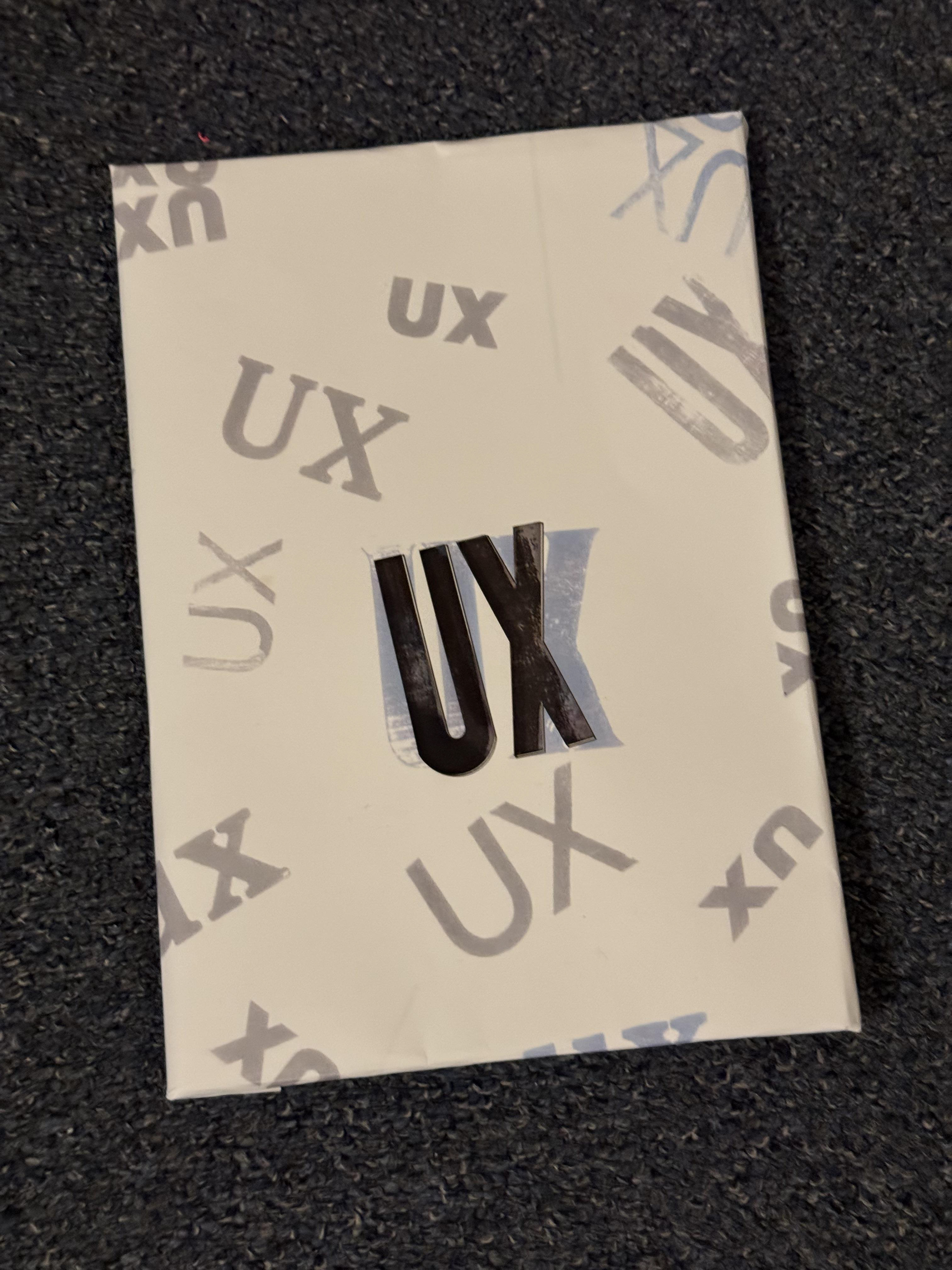
Laser cut; book sleeve
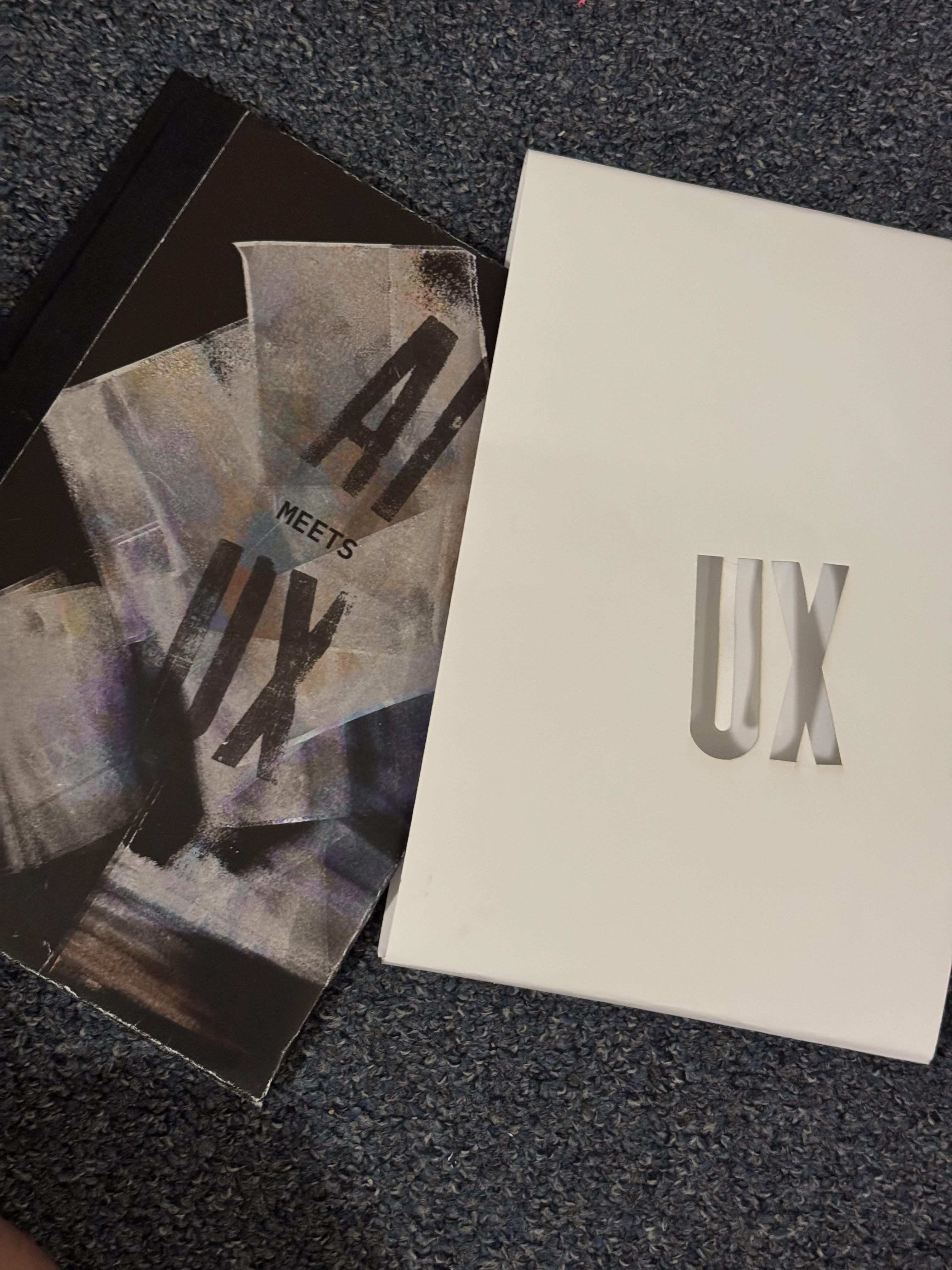
Laser cut; belly band
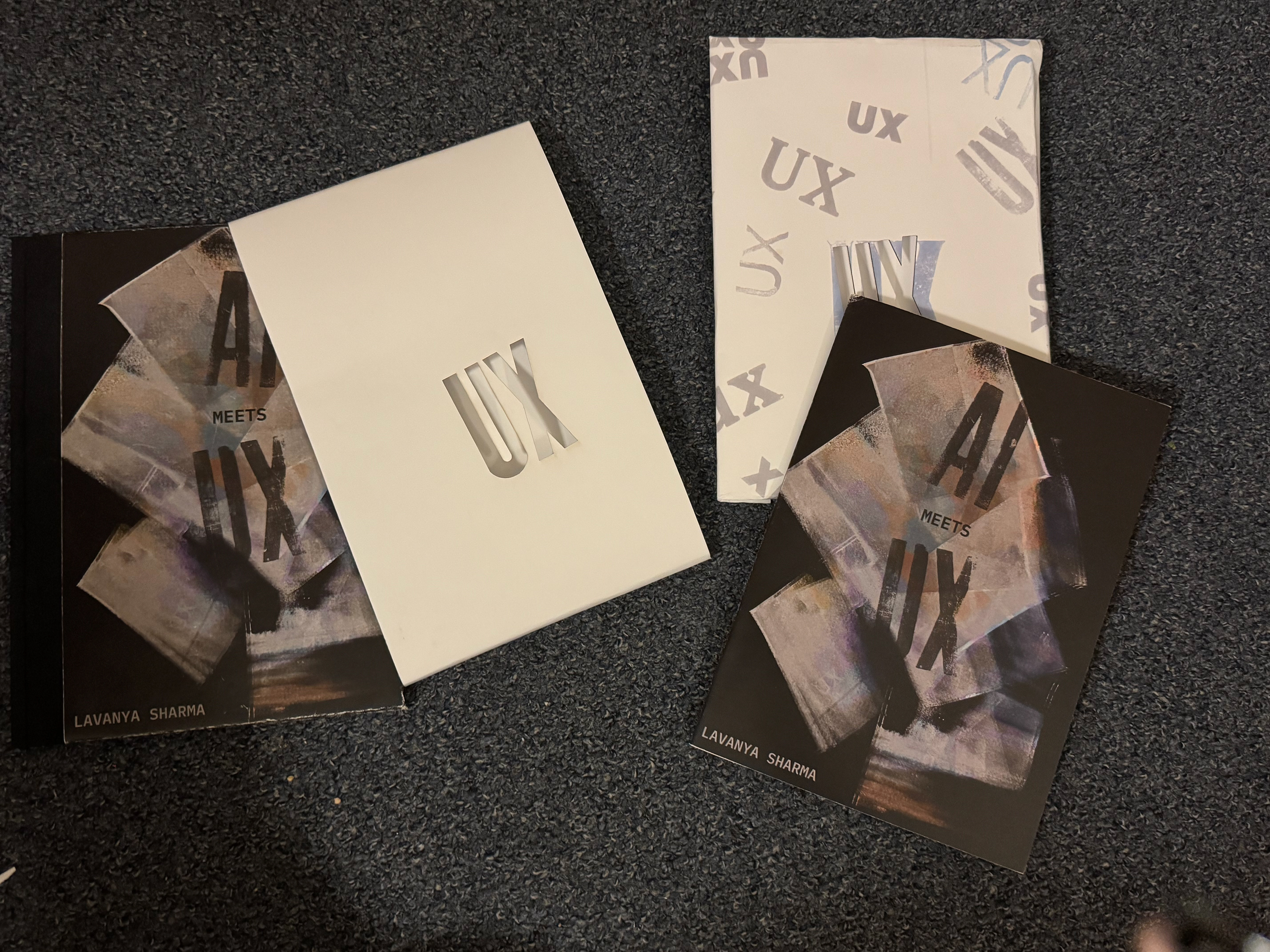
book outside the cover
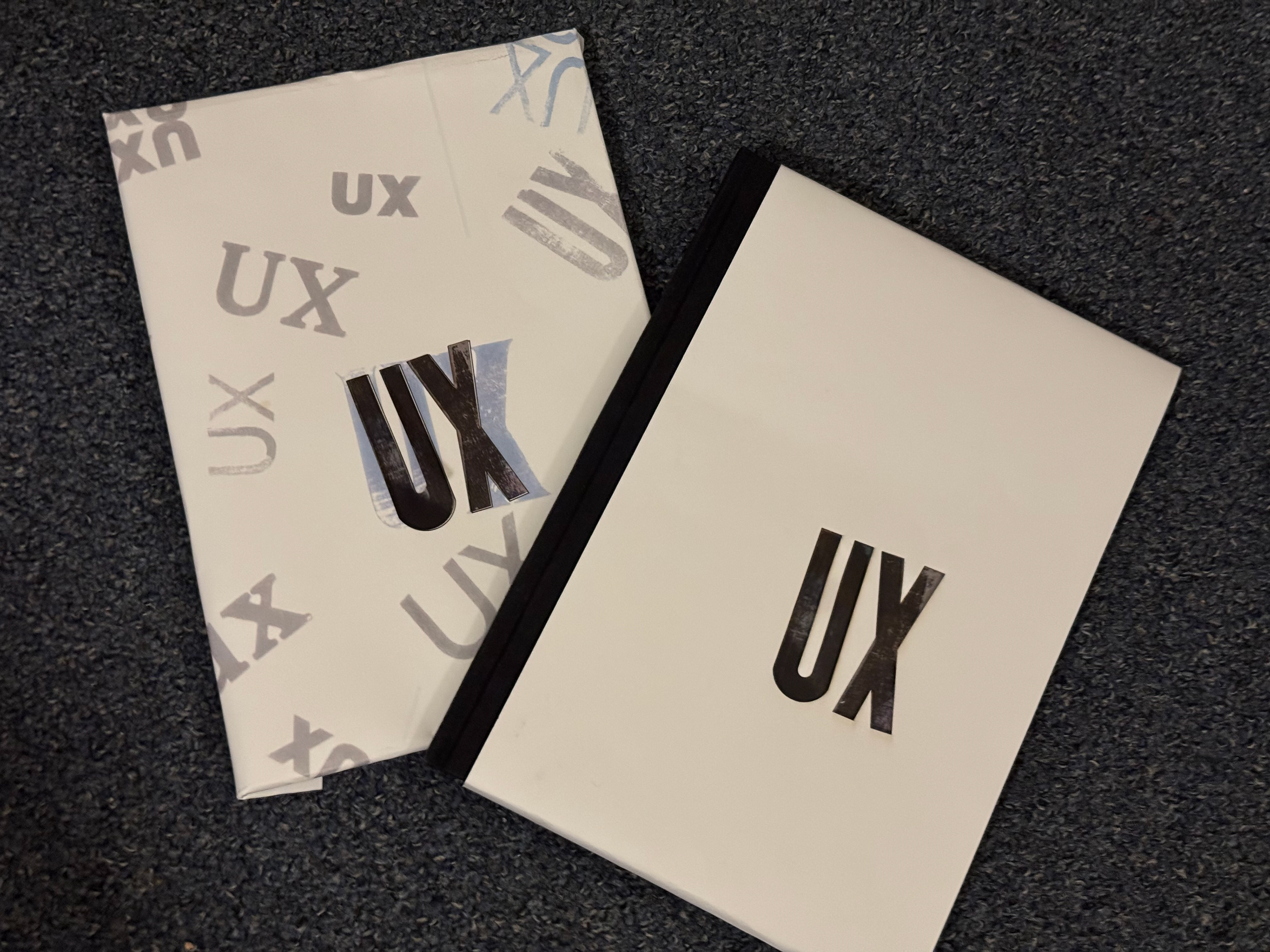
book inside the cover
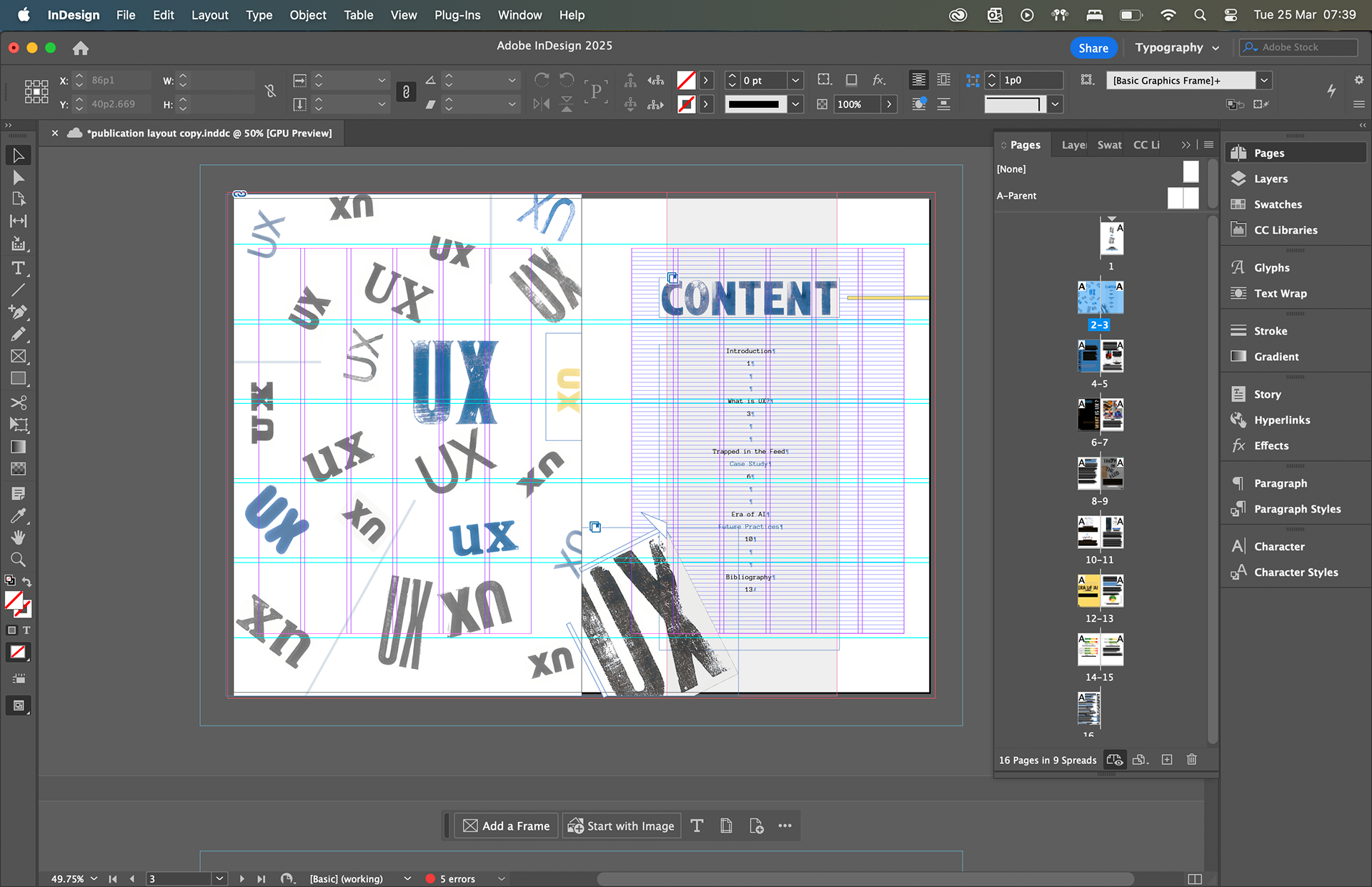
Indesign file

book cover design
This project not only strengthened my skills in UX design and visual storytelling but also helped me better understand the strengths of tools like InDesign compared to my usual go-to, Figma. It marked a pivotal moment in my journey — combining editorial design, prototyping, and user-focused thinking into one cohesive experience.
_ . _ . _ . _